
Support that keeps your hardware project moving.
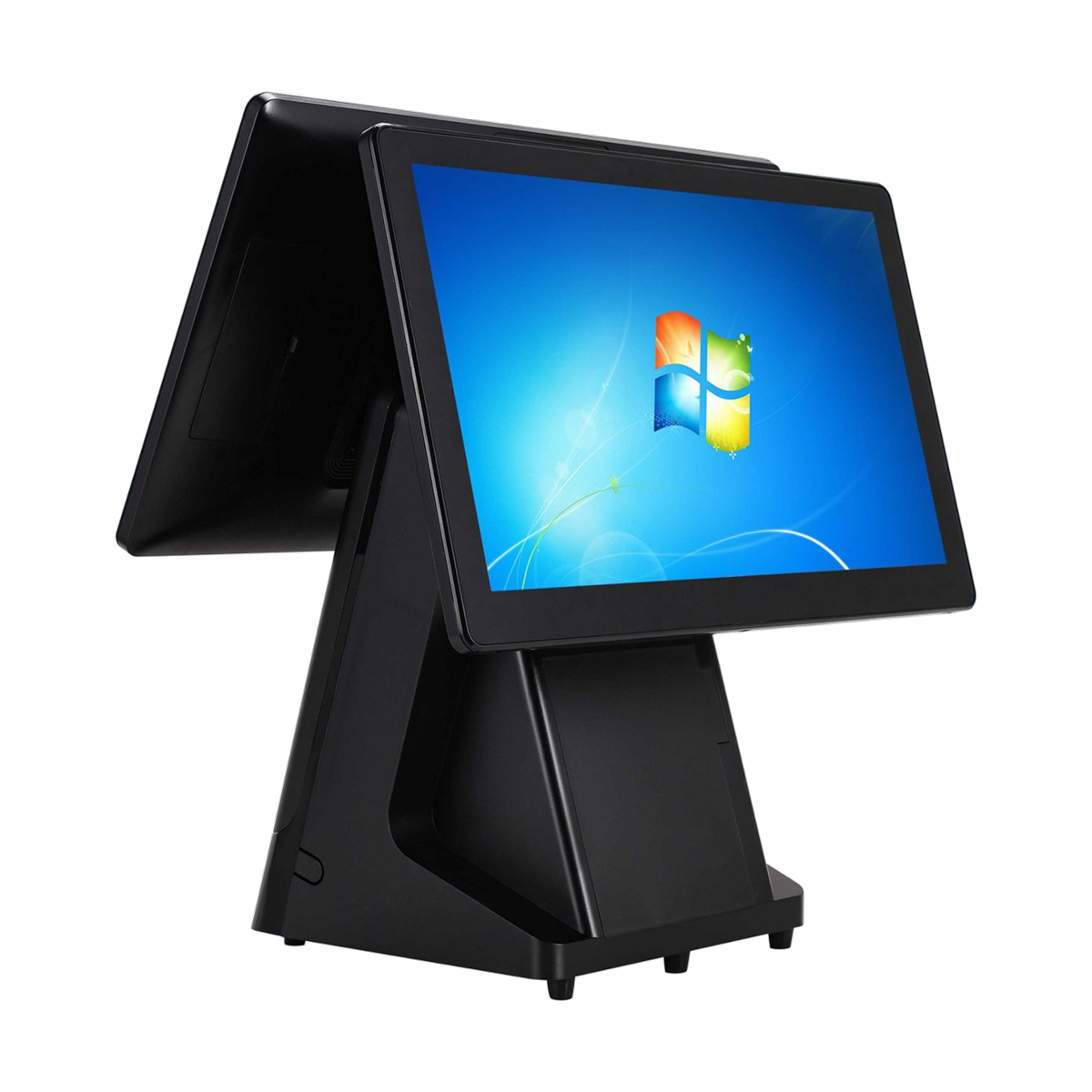
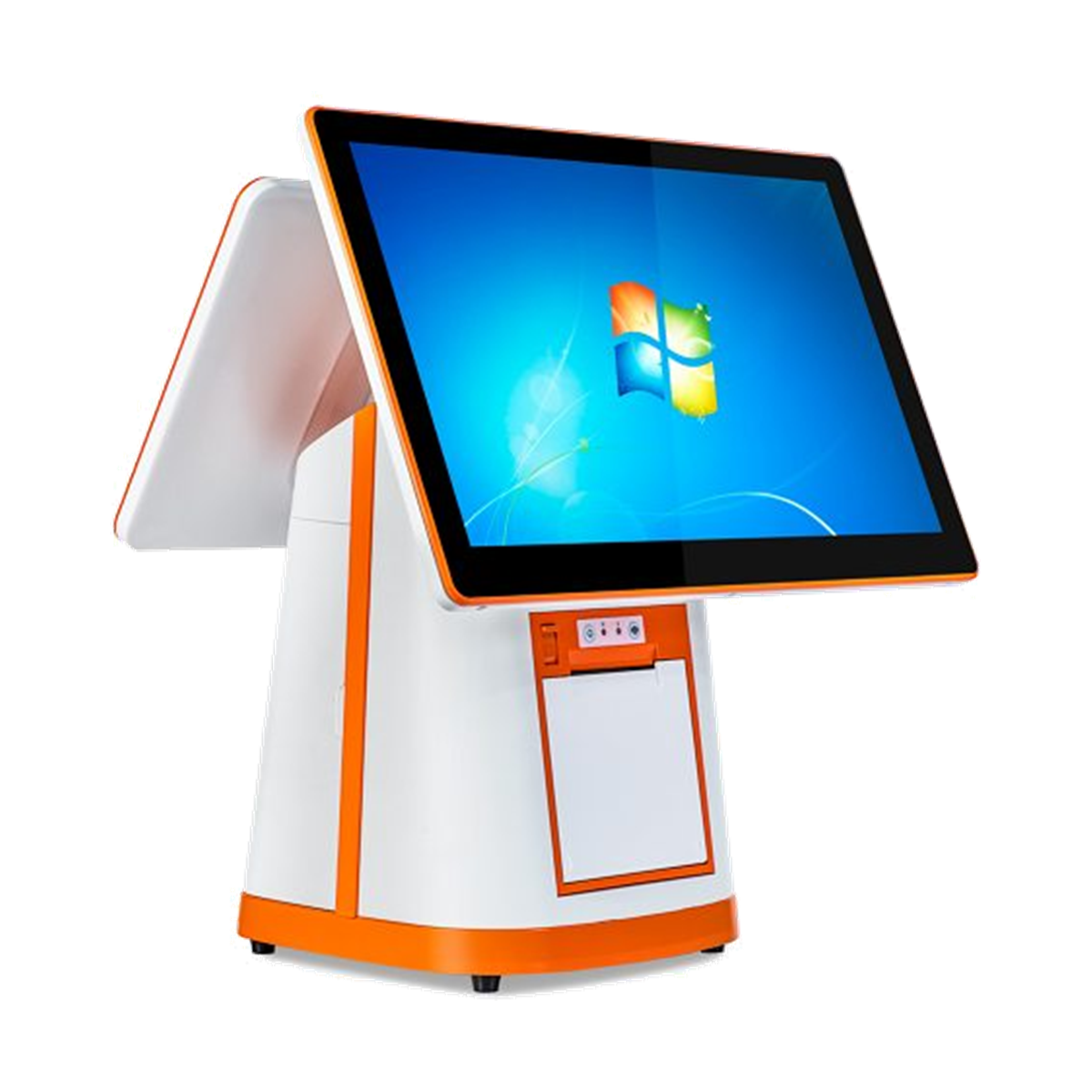
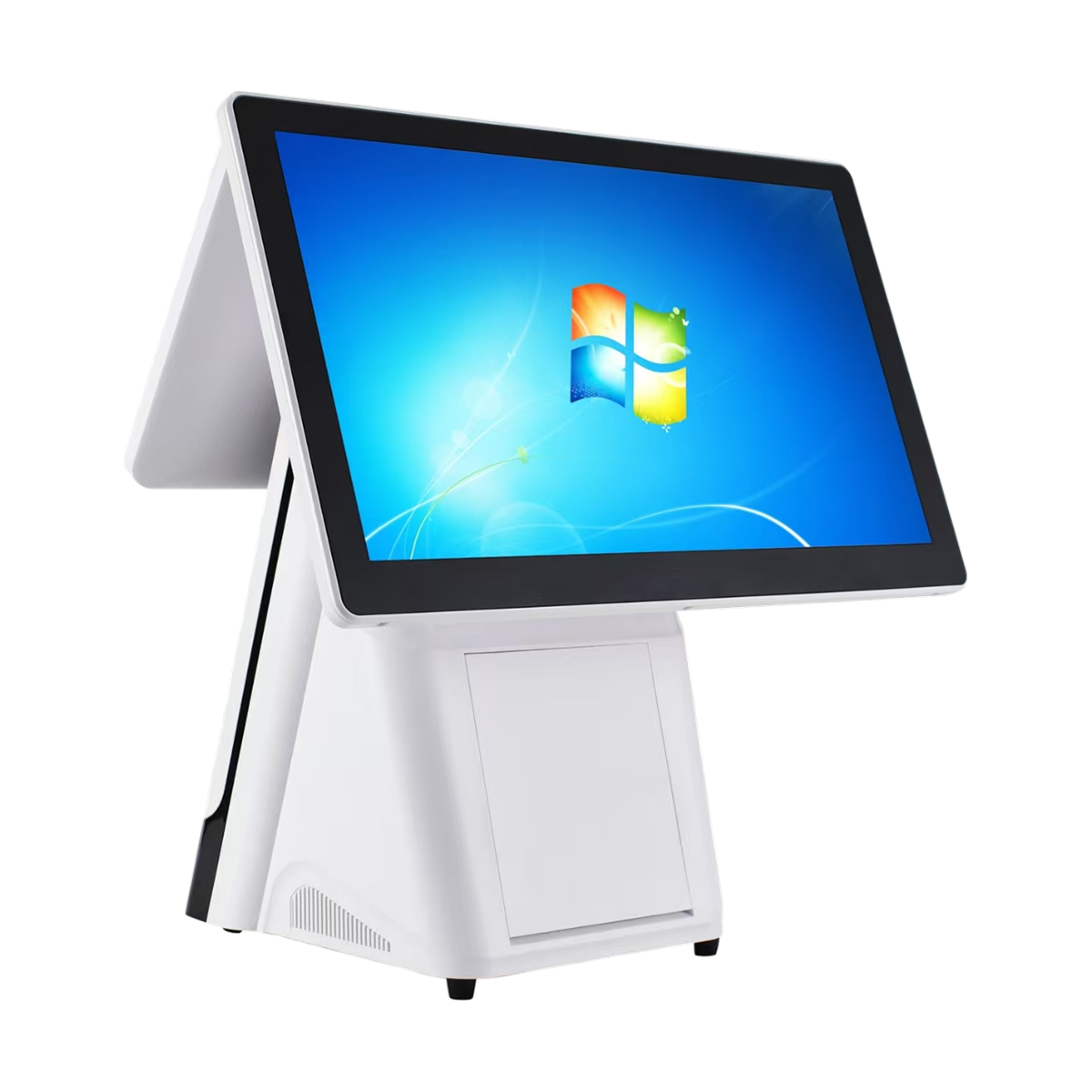
Technical guidance for JINLINKE POS terminals, self-service systems, weighing POS equipment and industrial panel PCs—from configuration checks to after-sales issue handling.
Choose the help your project needs.
JINLINKE support is organized around product identification and project context, so the correct files and instructions are matched to the exact device.
Technical Support
Troubleshooting for display, touch, interfaces, peripherals, boot behavior, operating systems and application compatibility.
Drivers & OS Images
Request the correct driver, Android package, Windows image or recovery file for your model and hardware revision.
Warranty & RMA
Issue review, warranty eligibility confirmation and return instructions based on the applicable quotation, order and service terms.
Configuration Help
Pre-sales checks for CPU, memory, storage, display, ports, peripherals, mounting and regional project requirements.
Six details that speed up support.
A photo of the product label is often the fastest way to confirm the exact model and hardware revision. Do not remove or obscure the serial label before the case is reviewed.
A clear path from report to resolution.
Complex cases may require step-by-step testing, replacement-part confirmation or return inspection.
Submit the case
Send the product, issue, evidence and order information through the contact page.
Technical review
Our team checks the model, configuration, symptoms and relevant software or firmware.
Guided action
Follow the confirmed test, settings, driver, recovery or replacement procedure.
Closure or RMA
The case is closed after confirmation, or return instructions are issued when inspection is required.
Common support questions.
If your situation is not covered here, send the exact model and issue details through the support request route.
Where can I download drivers or an OS image?
Drivers and system images should be matched to the exact product model, motherboard revision and operating system. Send a photo of the product label and the required OS version so the correct package can be confirmed.
Can I install a different Windows or Android version?
Compatibility depends on the CPU platform, board revision, touch controller and peripheral drivers. Confirm the target version with JINLINKE before deployment, especially for a production batch.
How is warranty coverage determined?
Coverage is reviewed against the applicable quotation, sales order and service terms. Provide the serial number, order reference, issue description and evidence for eligibility confirmation.
When is an RMA required?
An RMA may be issued when remote troubleshooting cannot resolve the issue or physical inspection is necessary. Do not return equipment until the receiving address, case reference and shipping instructions are confirmed.
Can support help with a custom configuration?
Yes. Provide the application, target CPU, memory, storage, operating system, display, interface, peripheral, mounting and quantity requirements. Project feasibility is reviewed before sampling or production.
Firmware and BIOS safety
Do not flash BIOS, firmware, Android packages or recovery images from another model or hardware revision. An incorrect package can make the device unbootable and may affect service eligibility. Confirm the exact file with JINLINKE support first.
Ready to open a support case?
Send the model, serial number, issue details and evidence. Our team will route the request to the appropriate product or service contact.